> For the complete documentation index, see [llms.txt](https://docs.xca.sh/llms.txt). Markdown versions of documentation pages are available by appending `.md` to page URLs; this page is available as [Markdown](https://docs.xca.sh/introduce.md).
# Introduce
#### What is Xcash?
**Xcash** is a professional and secure cryptocurrency payment platform that provides you with fast cryptocurrency payment collection support. This system has the following advantages:
* **Secure:** This system supports P2P payments, allowing your customers to pay USDT and other cryptocurrencies directly to your own wallet address.
* **Private:** The Xcash system requires no KYC, ready to use upon registration.
* **Low Fees:** Xcash starts with a 1% fee rate, which decreases gradually with your transaction volume - the more you use, the more you save.
* **Instant Settlement:** Industry-leading settlement speed, with orders completed on average 7 seconds after payment, eliminating the long wait times associated with blockchain transactions.
* **Complete Ecosystem:** Supports WordPress WooCommerce and Shopify, providing a convenient cryptocurrency payment experience for your business.
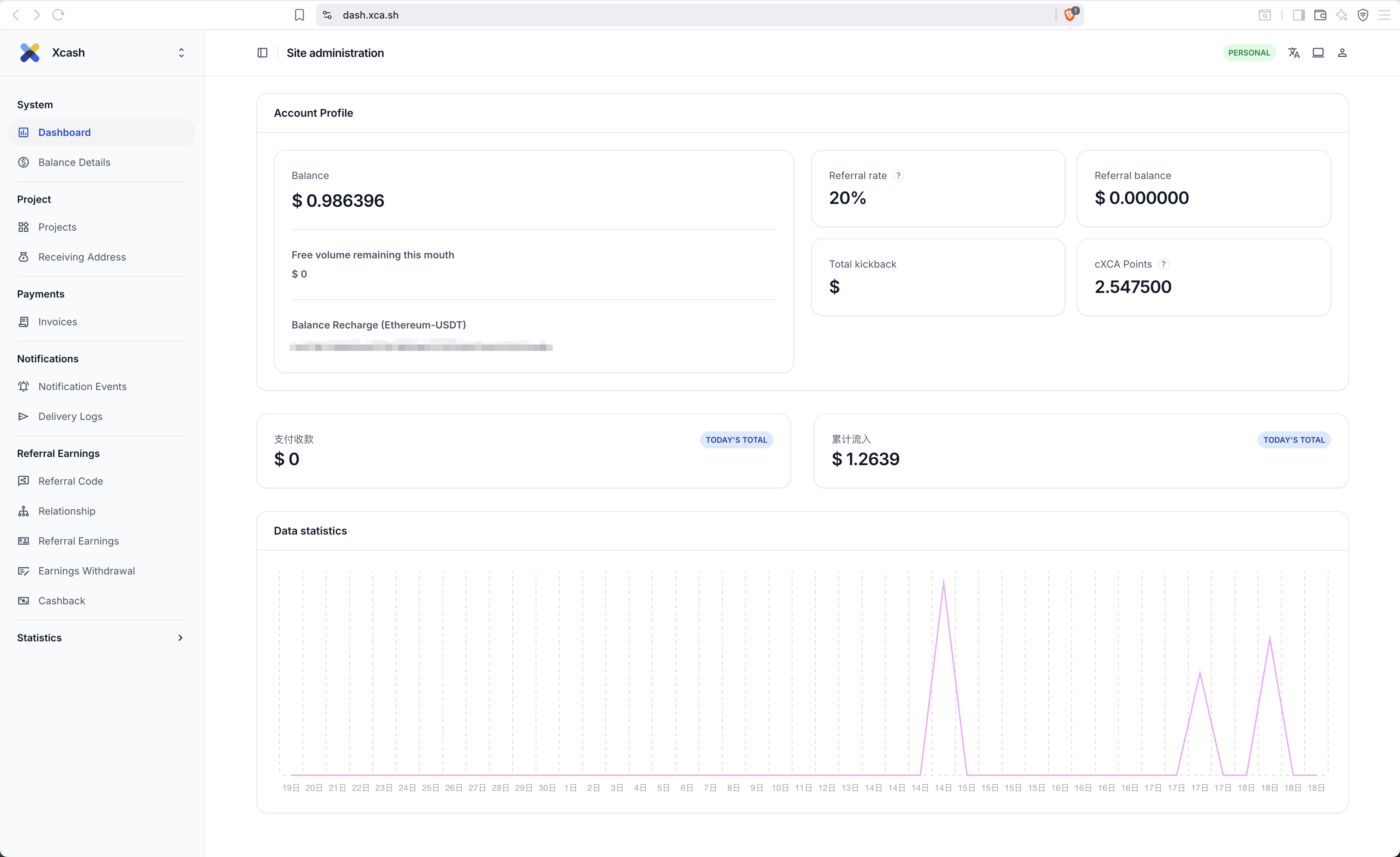
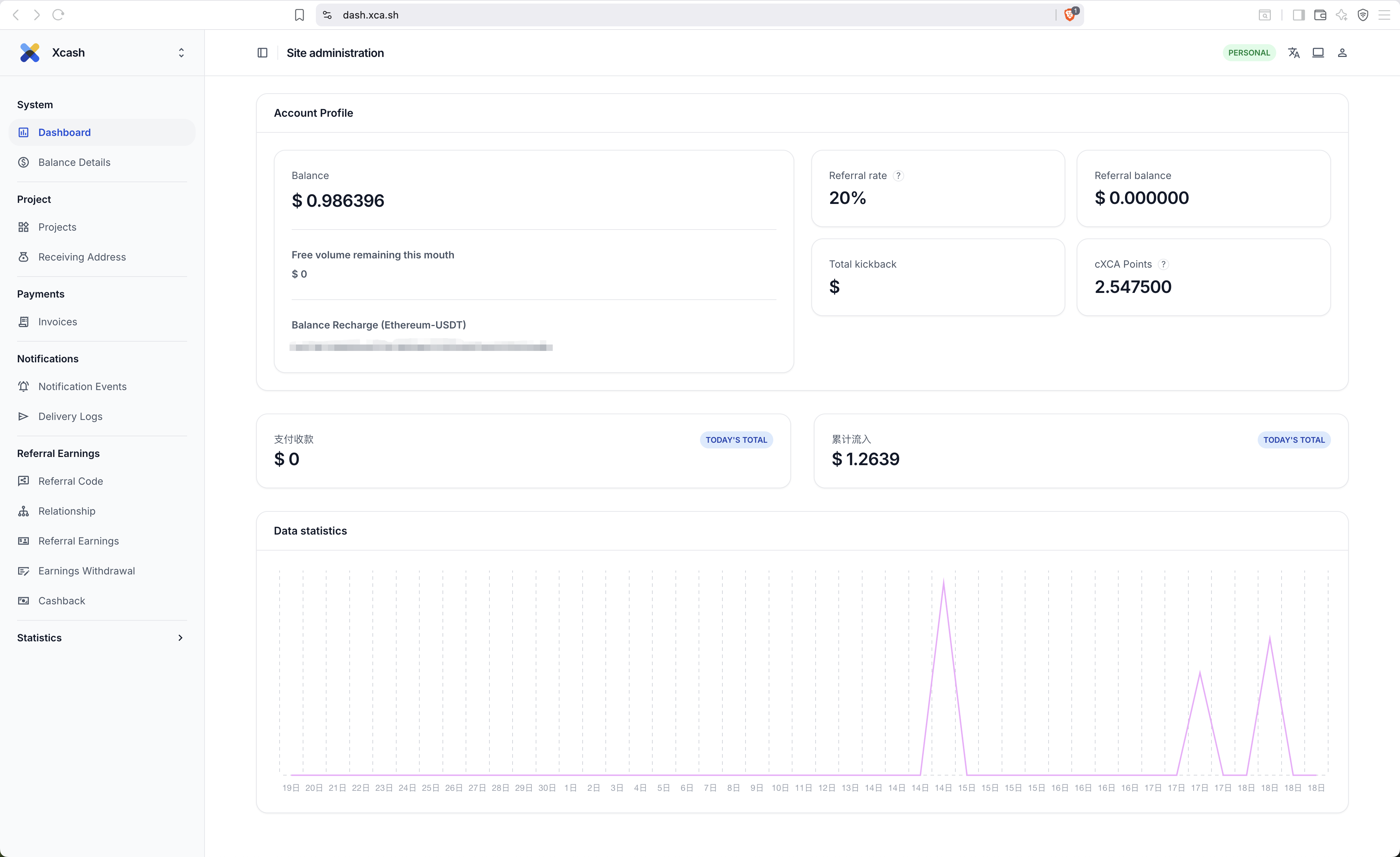
* **Backend Support:** Xcash features comprehensive backend functionality, including account reconciliation, transaction inquiries, and complete data statistics.
#### Preparation Before Use
1. Log in to the Xcash console at [https://dash.xca.sh](https://dash.xca.sh/), enter your email to register an account and log in.
2. Click [Project Management](https://dash.xca.sh/projects/project/) on the left navigation bar to obtain your Appid and HMAC Key, and configure your project's Webhook notification address.
3. Click [Receiving Address](https://dash.xca.sh/projects/recipientaddress/) on the left navigation bar to add your wallet address. You can add multiple addresses to avoid order collisions during peak billing periods.
4. Read the [API Authentication](https://docs.xca.sh/en/guide/auth) documentation and create invoices according to the sample code in [Create Invoice](https://docs.xca.sh/en/invoice/by-api).
---
# Agent Instructions
This documentation is published with GitBook. GitBook is the documentation platform designed so that both humans and AI agents can read, navigate, and reason over technical content effectively. Learn more at gitbook.com.
## Querying This Documentation
If you need additional information that is not directly available in this page, you can query the documentation dynamically by asking a question.
Perform an HTTP GET request on the current page URL with the `ask` query parameter:
```
GET https://docs.xca.sh/introduce.md?ask=
```
The question should be specific, self-contained, and written in natural language.
The response will contain a direct answer to the question and relevant excerpts and sources from the documentation.
Use this mechanism when the answer is not explicitly present in the current page, you need clarification or additional context, or you want to retrieve related documentation sections.